Building a website with WordPress is easy, but choosing the right WordPress hosting provider is even more important. If you select the wrong hosting, your website can become slow, your SEO ranking may drop, and the overall user experience will suffer. That’s why WordPress.org itself recommends a few reliable WordPress hosting providers as “Recommended Hosting Providers,” and among them, Pressable, Bluehost, and Hostinger are the most notable.
In this post, we will analyze each hosting provider individually — who they are best for, why they are suitable, and how SoftWebCoders.com’s decision to use Hostinger aligns as a smart and practical choice.
Why Hosting Matters for WordPress
Choosing the right hosting is essential for a successful WordPress website. It impacts speed, uptime, security, support, and scalability. A reliable WordPress hosting provider ensures your site loads fast, stays secure, remains online, offers expert help, and can grow with your business.
Key Benefits:
Speed & Performance: Fast-loading pages improve SEO and engagement.
Uptime & Reliability: Keeps your website accessible 24/7.
Security: Firewalls, SSL, malware protection, and updates.
Support: 24/7 expert assistance when needed.
Scalability: Easily upgrade resources as your site grows.
The top three most notable are:
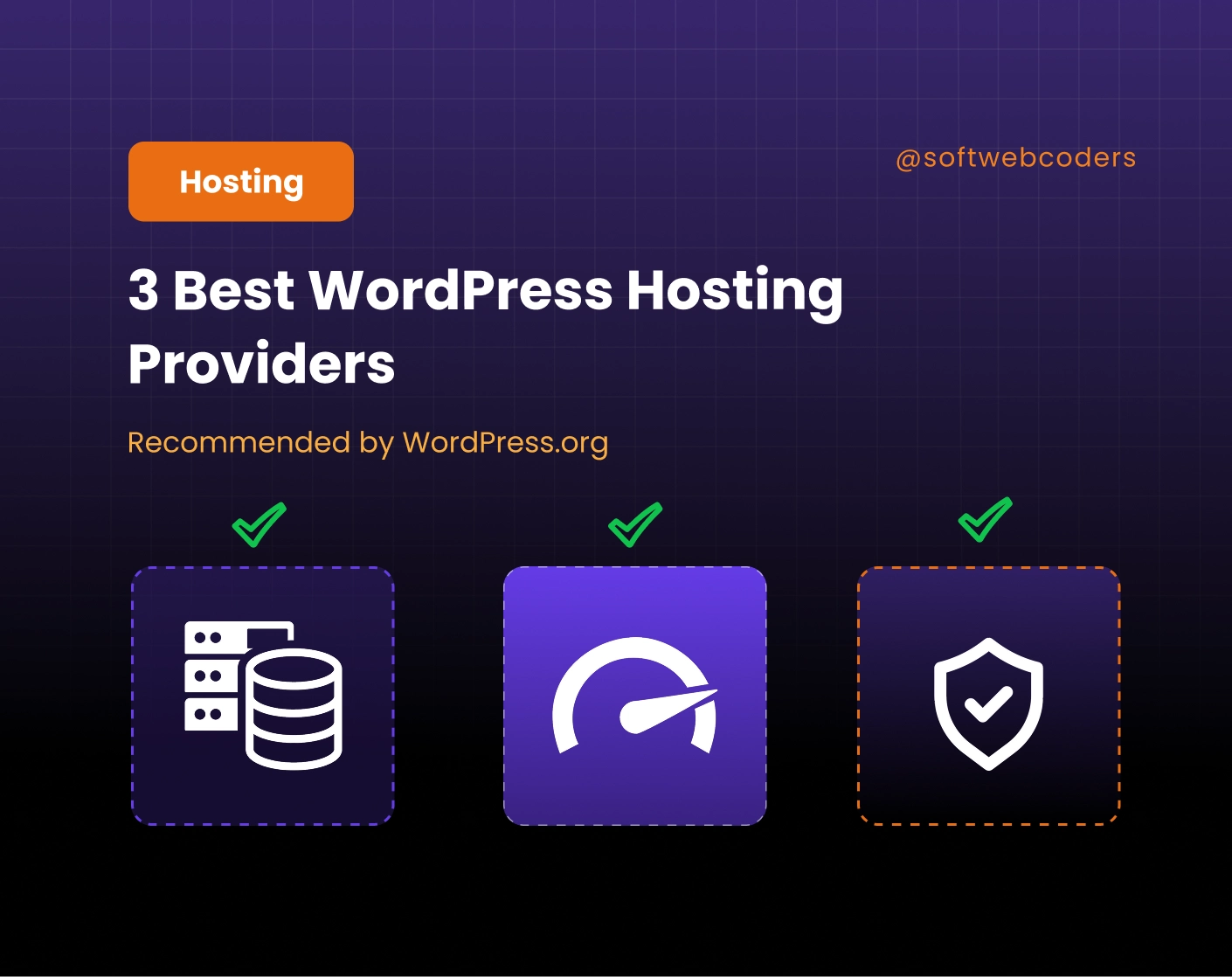
In this in-depth review, we break down why they are considered the 3 Best WordPress Hosting Providers Recommended by WordPress.org, who they are most suitable for, and how they compare in real-world performance.
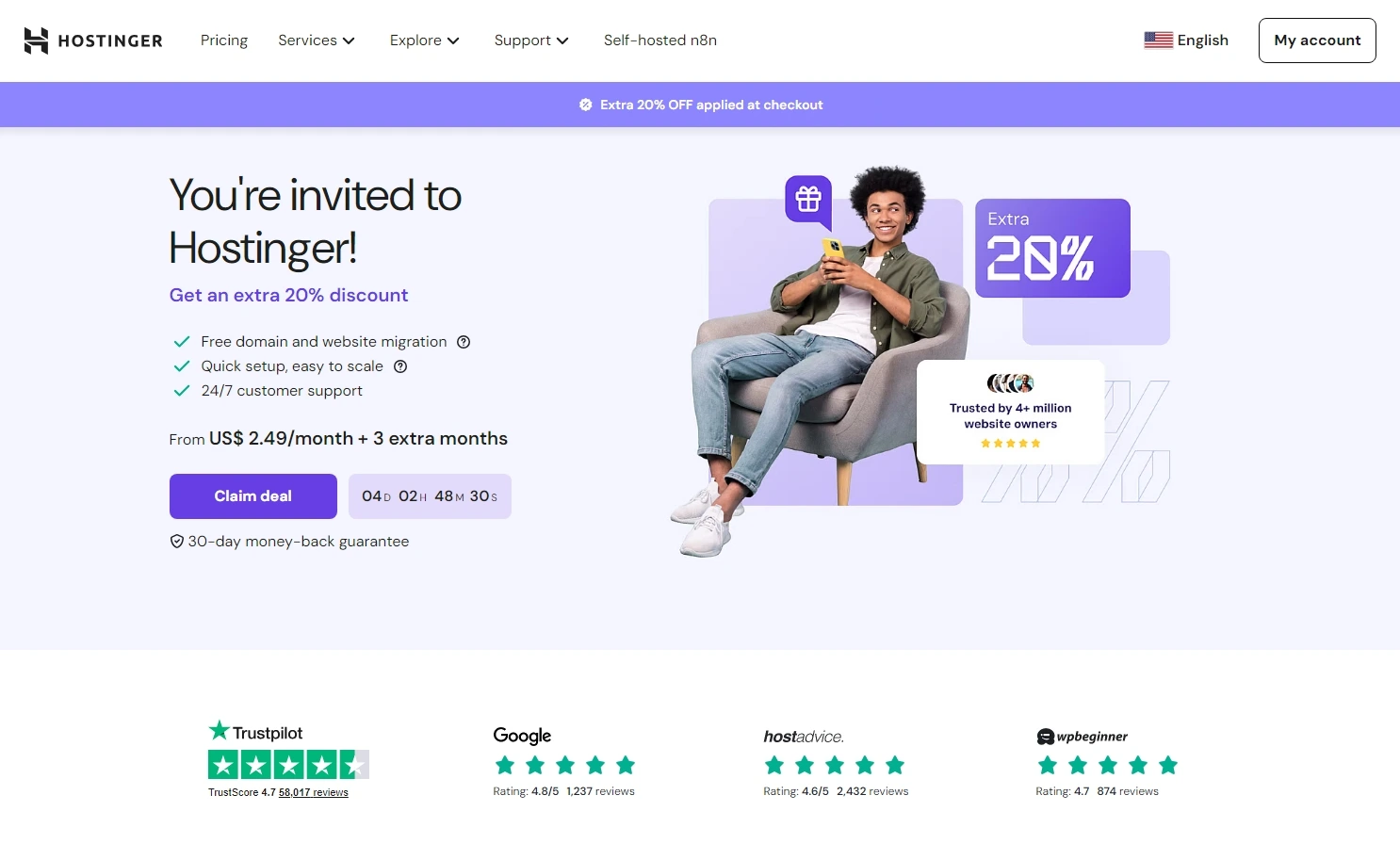
1. Hostinger — The Best Value WordPress Hosting Provider
Hostinger is one of the fastest-growing hosting companies worldwide, and a major reason behind its popularity is its exceptional balance of performance + affordability. While many hosts either focus on low prices or high-end performance, Hostinger manages to excel in both.
Why WordPress.org recommends Hostinger
WordPress.org highlights Hostinger for its:
- Optimized WordPress speed
- Strong security
- Beginner-friendly tooling
- Reliable global data centers
- Affordable plans
- WordPress-specialized support
These qualities make Hostinger the ideal platform for beginners, freelancers, agencies, bloggers, and small businesses — essentially anyone who wants fast hosting without overspending.
Hostinger Key Features
Below is a breakdown of Hostinger’s actual features based on the latest information from their platform:
1. Ultra-fast LiteSpeed Web Servers
Hostinger uses LiteSpeed technology, which is significantly faster than Apache or NGINX for WordPress.
2. Advanced WordPress Acceleration
Hostinger includes the LiteSpeed Cache for WordPress (LSCWP) plugin by default.
3. WordPress Auto-Install + AI Website Builder
Their auto-installer creates a ready-to-use site in minutes.
Plus, Hostinger now includes an AI-powered website builder, which helps beginners generate website layouts quickly.
4. Free Domain & Free SSL
Every plan includes:
- Free domain (selected plans)
- Free lifetime SSL
- Free email hosting
SSL also improves SEO and builds visitor trust.
5. 2x Faster Cloudflare CDN
Hostinger integrates Cloudflare CDN automatically to improve, Load speeds, Global performance, Security, and bot protection
6. Daily/Weekly Backups
Depending on your plan, Hostinger gives Weekly backups (Starter/Premium) and daily backups (Business/Pro). This guarantees your data stays safe even during emergencies.
7. Global Data Centers
Hostinger offers data centers across the USA, UK, Europe, Asia, and South America
This ensures your website loads fast for your target audience.
8. 24/7 WordPress Expert Support
Support is available anytime — ideal for beginners or agencies hosting client sites.
9. 99.9% Uptime Guarantee
Hostinger maintains strong uptime stability thanks to a high-availability architecture and advanced infrastructure.
10. hPanel — A Cleaner, Faster cPanel Alternative
It includes all tools needed for managing a WordPress site.
🎁 20% Extra Discount
If you purchase hosting using our referral link below, you get an additional 20% discount
Pressable is a top-tier managed hosting solution built by Automattic — the creators of WordPress.com and WooCommerce.
It’s the best choice if you want a fully managed, high-performance environment for WordPress without handling technical tasks.
Key Features of Pressable
- Fully managed WordPress environment
- Premium security tools
- Built-in caching
- Free global CDN
- Automatic updates
- 24/7 expert WordPress support
- Daily backups
- High-traffic optimization
Pressable’s infrastructure is deeply integrated with WordPress, making it extremely dependable.
3. Bluehost — Best for Beginners & Small Business Owners
Bluehost is one of the oldest hosting providers in the market and has been trusted by WordPress.org for many years. Its long-standing reputation, easy setup process, and beginner-friendly dashboard make it an excellent choice for new WordPress users. When choosing among the recommended WordPress hosting providers, Bluehost stands out as a reliable and beginner-friendly option that can help you launch and manage your website with confidence.
Key Features of Bluehost
- One-click WordPress installation
- Free domain (first year)
- Free SSL
- Beginner-friendly dashboard
- Email hosting
- WordPress optimized
- Solid uptime
Who Should Use Bluehost?
- New bloggers
- New WordPress users
- Small businesses
- Non-technical website owners
Bluehost offers reliable performance for small and medium projects.
Which WordPress Hosting Provider Should You Choose?
When analyzing the 3 Best WordPress Hosting Providers Recommended by WordPress.org, all three are strong choices. But each one suits different kinds of users:
 Choose Hostinger if you want the best value
Fast, secure, modern, packed with features — and extremely affordable.
Choose Pressable if you want premium managed hosting
Ideal for eCommerce, agencies, and enterprise projects.
Choose Bluehost if you’re a beginner
Great for new bloggers and small businesses.
For most users, especially those who want high performance without high pricing, Hostinger is the best WordPress hosting provider recommended by WordPress.org.
Contact Softwebcoders for more details and get suggestions. Click Here.