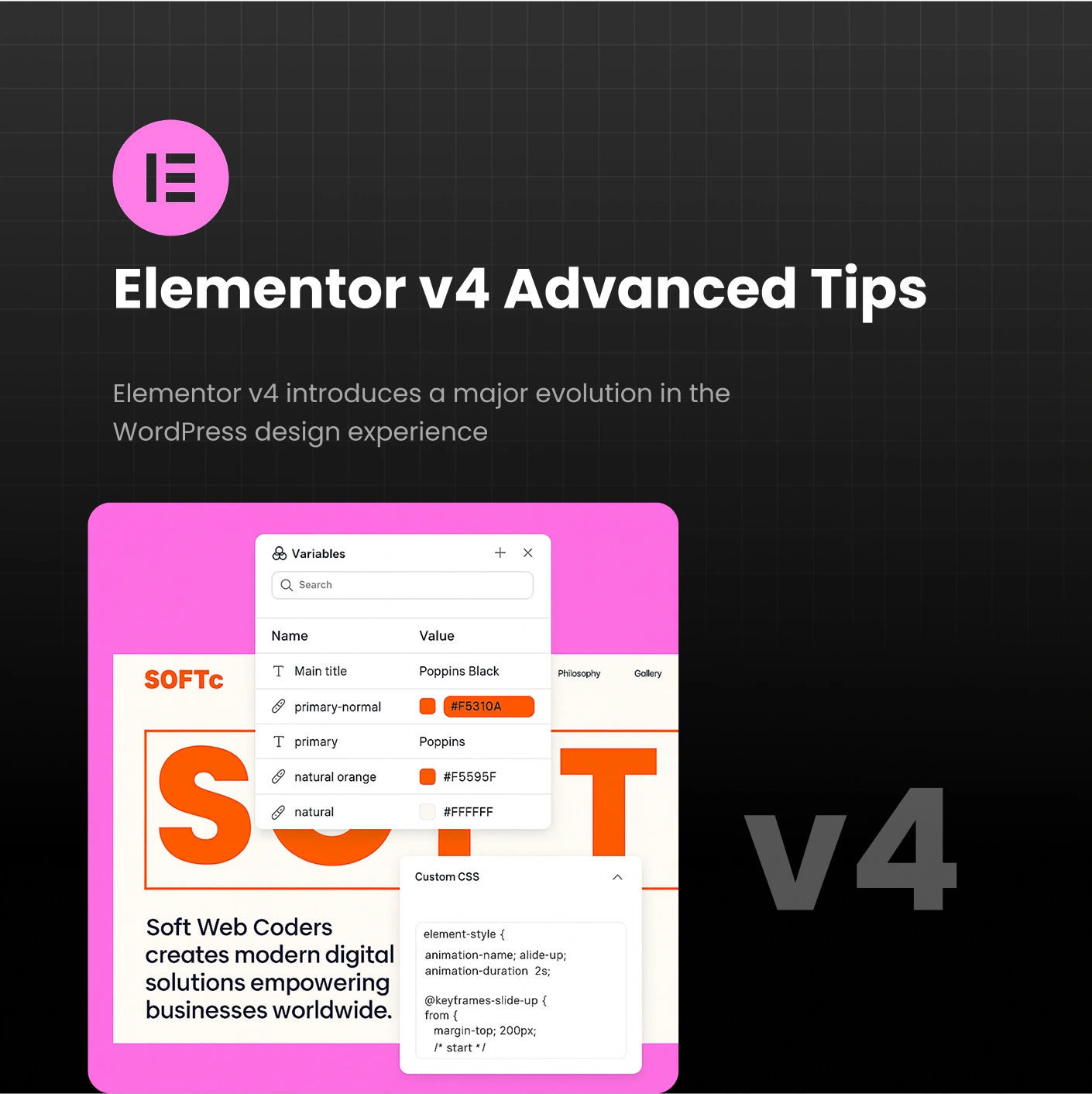

Elementor v4 introduces one of the most polished, performance-oriented, and designer-friendly updates in the history of Elementor. With a modernized UI, a faster workflow, optimized DOM output, and improved responsive controls, it has become easier than ever to build world-class WordPress websites.
But to truly take your website to the next level, you need to go beyond the basics.
This guide reveals the most advanced Elementor v4 tips used by professional designers at SoftWebCoders to build high-performance, conversion-focused, and visually stunning websites.
Whether you’re a designer, developer, or business owner — this A–Z guide will help you master Elementor v4 at a professional level.
What’s New in Elementor v4
To use the advanced techniques effectively, start by understanding what makes Elementor v4 different:
New UI
A cleaner panel layout, faster navigation, and improved spacing.
Better Performance
Optimized CSS, reduced DOM, and more efficient rendering.
Container-Based Layout
Flexbox-driven container system replaces sections and columns.
Global Styles Upgrade
Better typography and color management for full design control.
Responsive Improvements
More accurate breakpoints and cleaner mobile workflow.
This foundation makes the advanced methods far more powerful.
Master the Container System
The container system is at the heart of Elementor v4 — and mastering it is essential for building next-level websites.
Why Containers Matter
20–40% smaller DOM
Faster loading
Flexbox-powered layout
Precise control
Better responsive structures
Pro Tips
✔ Replace multi-column designs with nested containers
✔ Use Gap instead of padding for spacing
✔ Use direction: column on mobile for perfect stacking
✔ Avoid over-nesting (keep it 3 levels max)
✔ Combine container width + min-height for hero sections
Result: cleaner code, faster sites, and easier edits.
Build a True Global Design System
Elementor v4 makes it much easier to create a consistent site-wide design system.
Set These Globally:
Brand colors
Typography scale
Heading styles
Buttons
Links
Form styles
Pro Workflow
Choose 3–5 brand colors
Create a fluid typography system using EM + clamp()
Design one perfect button → save as Global
Standardize spacing patterns across the site
This gives your website a professional, uniform look — and makes future changes instant.
Need help creating a custom design system?
👉 https://softwebcoders.com
Enable All Performance Features in v4
To truly build next-level websites, you MUST optimize Elementor’s performance settings.
Go to:
Elementor → Settings → Features → Performance
Enable:
✔ Optimized DOM Output
✔ Improved Asset Loading
✔ Lazy Load Background Images
✔ Inline Font Icons
Expert-Level Tips
Use WebP or AVIF for images
Limit to 1–2 font families
Use SVG icons everywhere
Turn off unnecessary motion effects
Use lightweight addons only
Preload hero images for instant above-the-fold load
For compressing images:
➡ https://tinypng.com
➡ https://squoosh.app
Your website speed will improve instantly.
Responsive Design (v4’s Biggest Improvement)
Elementor v4 delivers more precise and predictable responsive controls.
Pro Techniques
✔ Use % and vw/vh, not px
✔ Use min/max width instead of forcing spacing
✔ Enable flex-wrap for multi-row layouts
✔ Use CSS clamp() for fluid typography
✔ Adjust container direction for perfect mobile layouts
This ensures your site looks perfect on every device — without extra CSS.
Build with Reusable Templates
Professionals don’t rebuild sections from scratch — they create systems.
Templates You Should Create
Global header
Global footer
Blog template
Service page template
Product template
Hero sections
Testimonials
CTA sections
Once saved, you can build entire pages in minutes.
Improve Accessibility
A truly next-level website must be accessible.
Essential Accessibility Checklist
✔ Proper heading hierarchy
✔ Alt text for all images
✔ Correct color contrast
✔ Keyboard-friendly navigation
✔ ARIA labels for interactive elements
Better accessibility = better SEO + better user experience.
Use Custom CSS Only When Necessary
Elementor already supports most styling features — so limit CSS to specialized effects:
Advanced hover transitions
Unique animations
Custom grid layouts
Precise spacing tweaks
The less custom CSS you use, the faster your site loads.
Build High-Converting Landing Pages
Elementor v4 is perfect for performance-driven landing pages.
High-Converting Layout Checklist
✔ Clean hero headline
✔ Clear value proposition
✔ Repeated CTAs
✔ Social proof
✔ Benefits over features
✔ Minimal distraction
✔ Light animations only
This directly increases leads and conversions.
You can use these tips on your own — but if you want a fast, professional, and results-driven website, working with experts can save you a lot of time and trial-and-error.
If you want a long-term team to grow with your website, we’re built for that.
👉 Work with us: https://softwebcoders.com/contact
Elementor v4 = Next-Level Websites
Elementor v4 isn’t just a visual update — it’s a complete workflow evolution.
By using the advanced tips in this guide, you can build:
✔ Faster websites
✔ Cleaner structures
✔ More consistent designs
✔ Higher SEO scores
✔ Better user experiences
And if you’d rather have a professional team handle everything — from design system and containers to performance and conversions — SoftWebCoders is ready to help.
👉 Visit us: https://softwebcoders.com
👉 Start a project: https://softwebcoders.com/contact