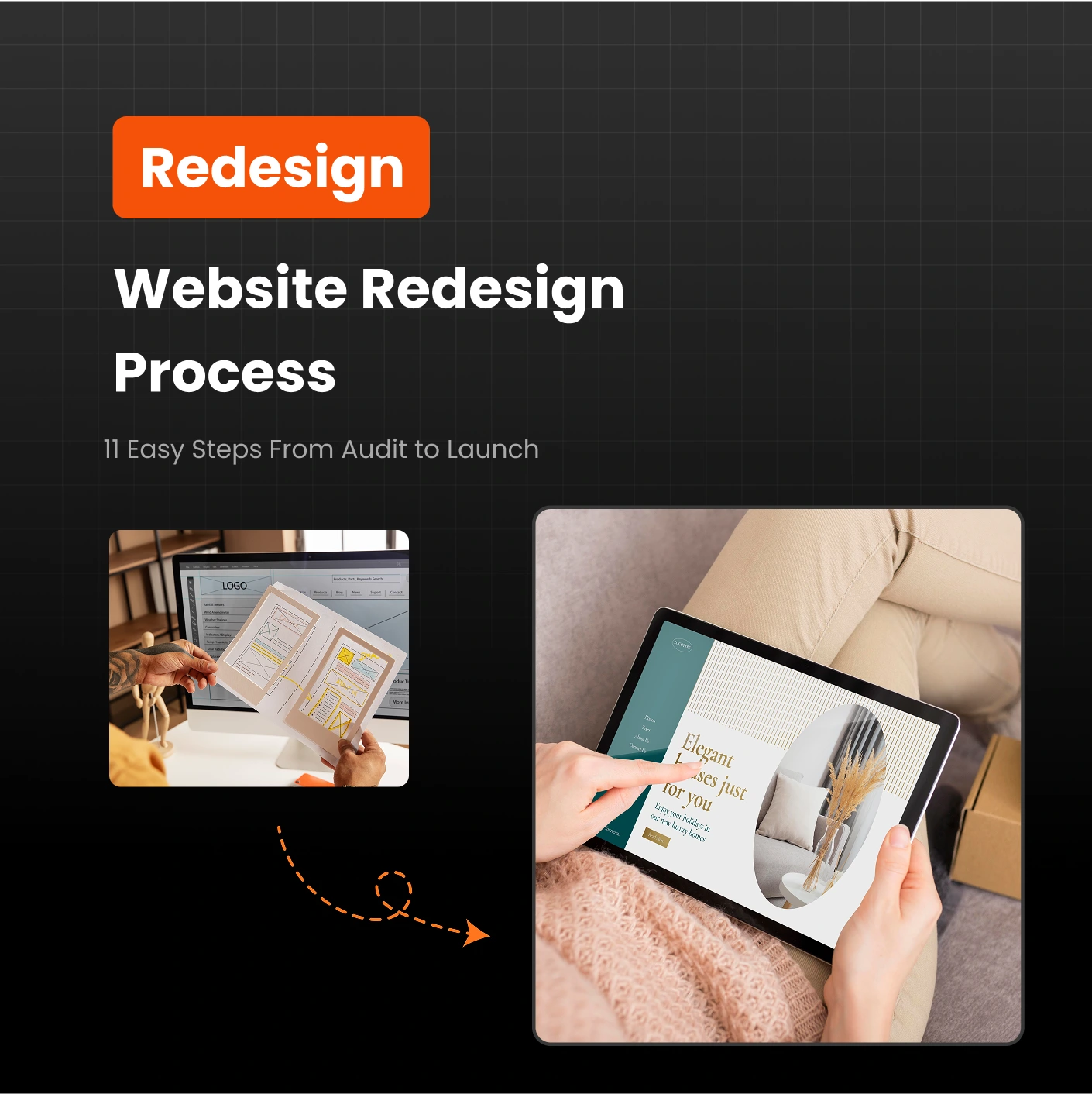

Think a website redesign is just about giving your homepage a new look? Think again. Too often, businesses focus on chasing the latest design trends or tweaking visuals, without addressing the real problems holding their site back. A redesign isn’t just cosmetic — it’s about creating a website that works for your users and helps your business grow.
In this guide, I’ll walk you through a complete 11-step website redesign process, covering everything from planning and research to launch and post-launch optimization — along with common mistakes to avoid.
Key Takeaways
A successful website redesign goes beyond looks, strengthening UX, SEO, technical performance, and visual design.
Mobile-first design is essential: over 50% of website traffic now comes from mobile devices.
A redesign isn’t a “set it and forget it” project. Monitoring and optimizing post-launch is key to long-term success.
What Is a Website Redesign?
A website redesign is a comprehensive process that changes a site’s appearance, content, and functionality. The goal is to create a site that better serves your users while achieving your business objectives.
A website refresh might involve minor tweaks, like updating your homepage layout. A full redesign, however, essentially rebuilds your website from the ground up, including:
Visual Design: Layout, colors, fonts, and branding
User Experience (UX): Navigation, functionality, and ease of use
SEO: Keywords, metadata, and search visibility
Site Architecture: Page structure, URLs, and internal linking
Technical Infrastructure: Site speed, security, and backend functionality
Accessibility: Ensuring the site is usable for all visitors
When to Consider a Redesign
Some signs that your website might need a full redesign include:
Outdated Design: If your site looks stuck in the past, visitors may question your credibility.
New Branding or Positioning: A redesign is a great opportunity to roll out updated messaging and visuals.
Poor User Experience: Confusing navigation, broken links, or hard-to-find content frustrates visitors.
Bad Mobile Experience: Mobile traffic dominates the web; your site must work seamlessly on all devices.
CMS Limitations: If your current CMS restricts features or plugin use, rebuilding may be necessary.
Poor Site Performance: Slow-loading pages or technical issues are strong reasons for a redesign.
The 10-Step Website Redesign Process
Step 1: Audit Your Site
The first step in any redesign is understanding what’s working and what isn’t. Review your website’s analytics, including traffic, bounce rates, and user behavior, to identify pages that perform well and areas that need improvement. You can use tools like Google Analytics, Hotjar for heatmaps and user behavior tracking, or SEMrush Site Audit to evaluate your website’s SEO and technical health. Also, check technical aspects such as site speed and responsiveness with Google PageSpeed Insights and uncover broken links using Ahrefs Broken Link Checker.
By auditing your current site, you can make informed decisions about what to keep, what to update, and what to remove. This ensures that your redesign doesn’t just look better but also performs better for your audience.
Step 2: Research Users and Competitors
Talk to your audience to understand their needs and frustrations. Use quick surveys or feedback tools like Google Forms to gather useful insights.
Review competitor websites to see what they do well and where they fall short. Tools such as SimilarWeb can help you analyze their traffic and strategy.
Step 3: Define Goals and Align Stakeholders
Set clear, measurable objectives for your website redesign, whether it’s improving conversions, streamlining navigation, enhancing the user experience, or refreshing the overall brand. Clearly defining these goals helps guide every decision throughout the project and ensures your redesign delivers real business results.
Once goals are set, make sure all key stakeholders — including marketing, design, SEO, development, and legal — are aligned from the beginning. When everyone understands the priorities and expectations, the redesign process becomes smoother, faster, and far more effective.
Step 4: Plan Site Structure and Navigation
Create a clear site structure that organizes your pages, menus, and content in a way that helps visitors quickly find the information they’re looking for. Use a logical hierarchy and intuitive navigation to reduce friction and improve the overall user experience.
Review your existing content thoroughly to remove outdated or duplicate pages. Identify missing topics or gaps that require new landing pages or updated information. This ensures your redesigned site is both user-friendly and strategically aligned with your content and SEO goals.
Step 5: Draft Website Copy
Create clear, compelling content that speaks directly to your audience’s needs and highlights the value your business provides. Focus on benefits rather than features, and ensure the messaging aligns with your brand voice and tone throughout the site.
Structure your copy with headings, subheadings, and short paragraphs to make it easy to read and scan. Include strong calls-to-action on key pages to guide visitors toward desired actions, such as signing up, making a purchase, or contacting your team, helping drive conversions effectively.
Step 6: Design Wireframes and Visual Guidelines
Wireframes are the blueprint for your redesign, showing how pages will be structured and how users will navigate the site. At this stage, also create a visual system including colors, fonts, and UI elements that reflect your brand identity and ensure accessibility.
Step 7: Build Mockups or Prototypes
Turn your wireframes and visual guidelines into fully-realized mockups or interactive prototypes. Test these designs on multiple devices to ensure that the site looks and works perfectly on desktop, tablet, and mobile screens.
Step 8: Get Stakeholder Approval
Present your prototypes and mockups to all key stakeholders, walking them through the design decisions and user flow. Explain how each element supports the website goals and enhances the overall user experience, ensuring everyone understands the reasoning behind your choices.
Gather feedback carefully and make necessary revisions to address concerns or suggestions. Once all stakeholders are satisfied, finalize the designs, copy, and UX elements before moving into the development phase, setting a strong foundation for a smooth build process.
Step 9: Develop and Optimize
Once designs are finalized, hand them over to your development team and select a CMS that supports your desired features, marketing tools, and overall functionality. Ensure the site is built with a strong technical foundation, prioritizing speed, security, and responsiveness across all devices.
Pay close attention to SEO elements like URLs, metadata, and structured data during development to help your site rank better in search engines. A well-built website should be visually appealing, fast, reliable, and optimized to deliver a seamless user experience while driving conversions.
Step 10: Test, Launch, and Monitor
Before launching, thoroughly test your website on multiple devices, browsers, and screen sizes. Check for broken links, slow-loading pages, and usability issues to ensure every visitor has a seamless experience. Fix any problems before going live to avoid disruptions.
Launching the site is just the start. Continuously track performance metrics, conversion rates, and SEO rankings to see how your website performs. Ongoing monitoring and optimization ensure your site stays effective, meets user needs, and achieves the goals set during the redesign process.
Common Mistakes to Avoid
Skipping the Audit: Without benchmarks, you won’t know if your redesign succeeds.
Misaligned Goals: Ensure all stakeholders agree on objectives from the start.
Poor Mobile UX: Always design mobile-first.
Inconsistent Branding: Maintain a style guide for visual and content consistency.
Ignoring SEO: Implement proper redirects, metadata, and structured data.
Skipping QA: Test thoroughly before launch.
Neglecting Post-Launch: Continuously monitor and optimize.
Need Help with Your Website Redesign?
Redesigning a website can be complex — from auditing and planning to testing and launch. At SoftWebCoders, our team specializes in creating modern, high-performing websites tailored to your business goals. Get in touch with us to make your redesign seamless and effective.
FAQs
1. What is a website redesign?
A website redesign is a process of updating your site’s design, content, and functionality to improve user experience, SEO, and overall performance. It goes beyond cosmetic changes to create a more effective and user-friendly site.
2. How do I know if my website needs a redesign?
If your site looks outdated, loads slowly, performs poorly on mobile, has confusing navigation, or isn’t converting visitors, it’s a good sign that a redesign is necessary. Regular audits can help identify these issues.
3. How often should I redesign my website?
Typically, a website redesign is recommended every 2-4 years. However, if your brand, technology, or audience changes significantly, you may need to redesign sooner to stay relevant and competitive.
4. How long does a website redesign take?
The timeline varies depending on the size and complexity of your site, but most full redesigns take anywhere from 8 to 16 weeks. Proper planning and clear communication with your team can help keep the project on schedule.
5. Will a website redesign improve SEO?
Yes, a well-planned redesign can improve SEO by optimizing page speed, URL structures, metadata, and content organization. It’s important to preserve high-ranking pages and implement SEO best practices during the redesign process.